

Natural Portrait Retouching: How Much Editing Is Too Much?
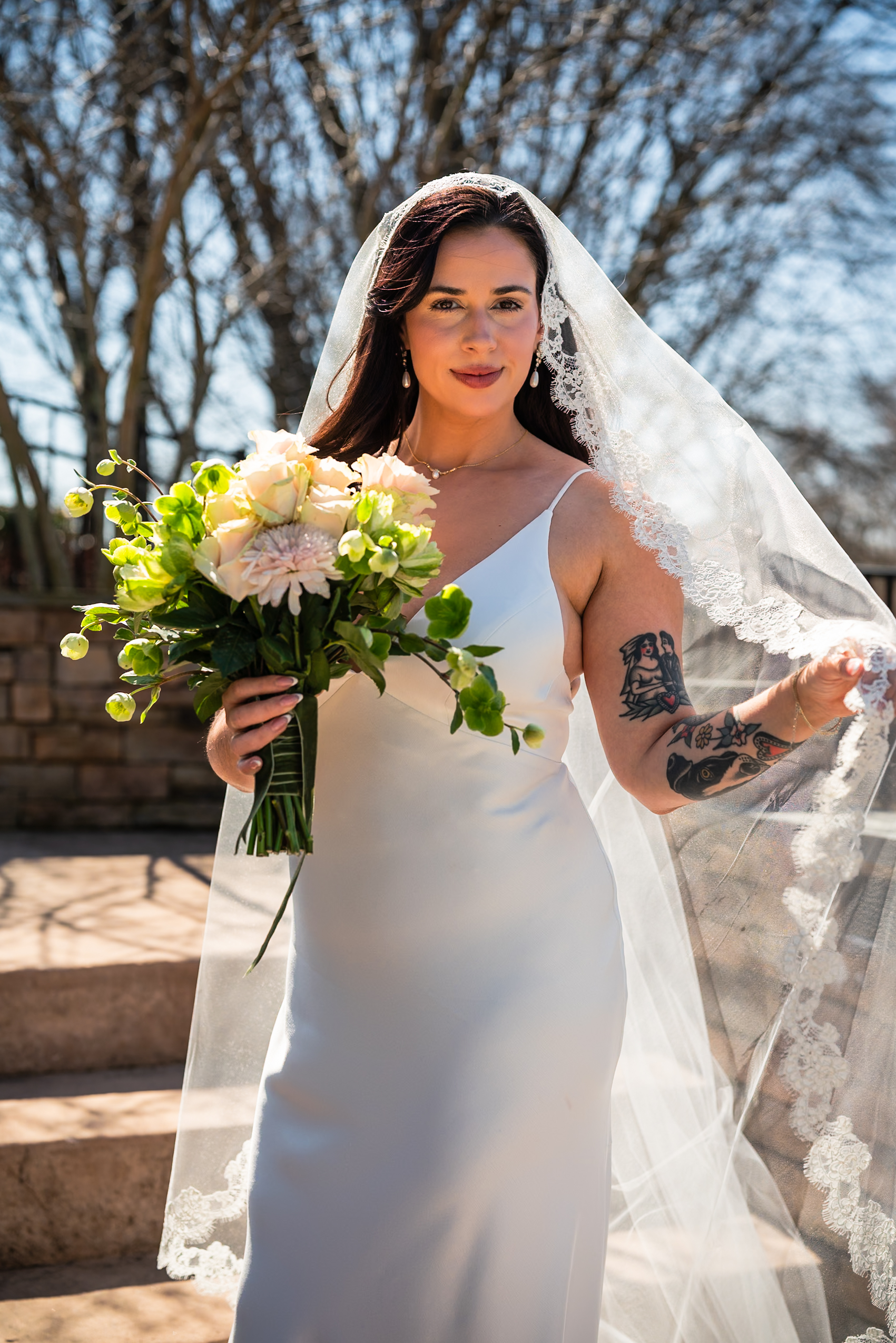
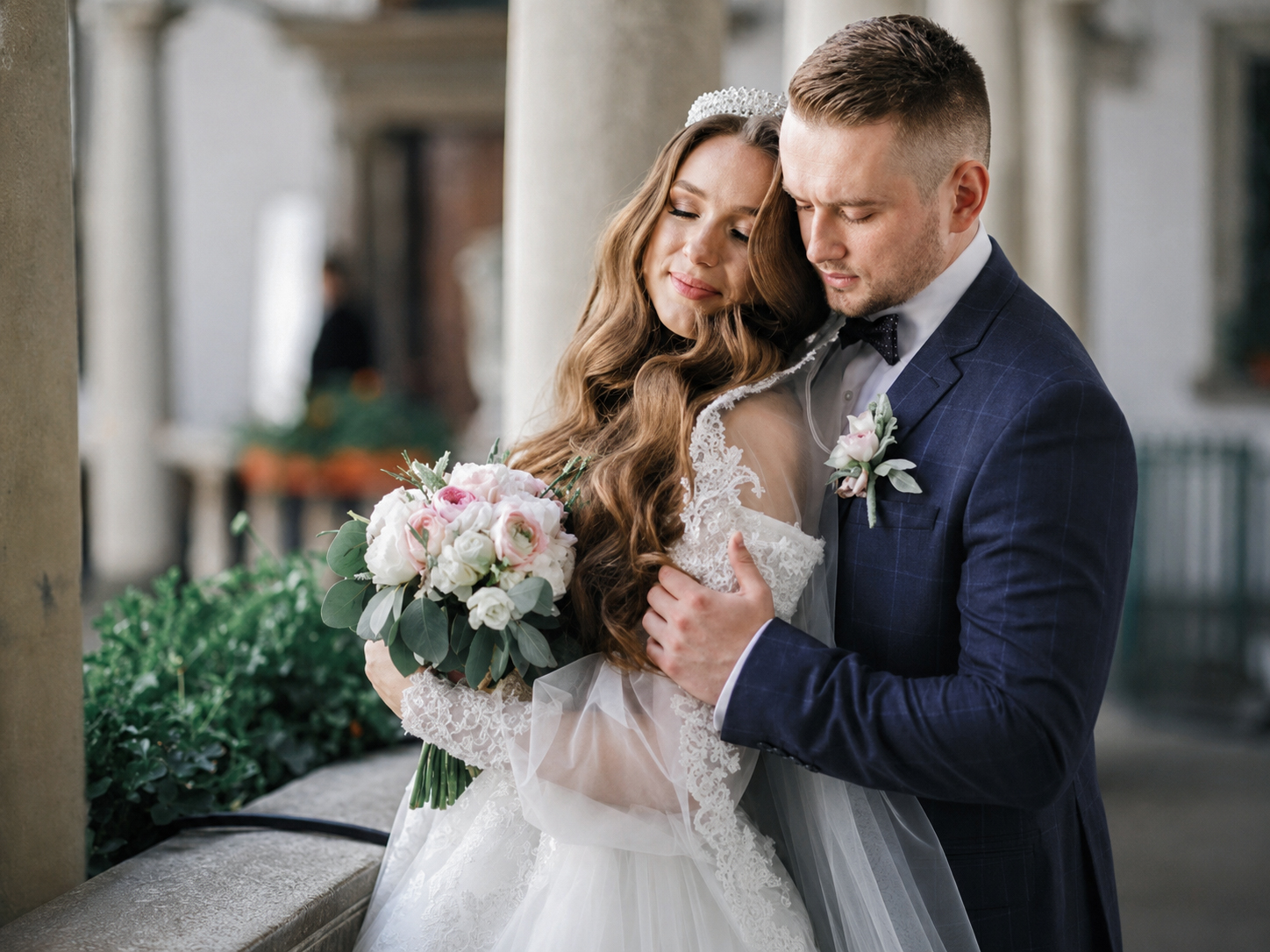
Natural portrait retouching is about enhancing a photo while keeping the subject looking like themselves. The goal is not to create perfect skin or unrealistic features, but to produce a polished portrait that still feels authentic.
What Should Be Retouched?
A natural retouch usually includes:
-
Temporary blemish removal
-
Stray hair cleanup
-
Minor skin smoothing
-
Redness reduction
-
Brightening under-eye shadows
-
Teeth whitening (subtle)
These adjustments improve the image without changing the person’s appearance.
Signs of Over-Editing
Retouching has gone too far when:
-
Skin looks plastic or blurry
-
Pores and natural texture disappear
-
Eyes become unnaturally bright
-
Skin tones turn orange or gray
-
Facial features appear reshaped
-
The subject no longer looks like themselves
Clients generally prefer portraits that feel real rather than heavily filtered.
The 80% Rule
A useful guideline is to stop editing when the image looks about 80% improved. If you keep making small changes that are only visible when zoomed in, you are likely over-retouching.
Preserve Skin Texture
Professional editors often use low-opacity adjustments and frequency separation carefully to maintain:
-
Pores
-
Fine skin texture
-
Natural highlights
-
Subtle facial details
Texture is what makes a portrait look realistic and high-end.
Match the Editing to the Purpose
-
Family portraits: Very light retouching
-
Corporate headshots: Clean and professional
-
Fashion or beauty: More detailed retouching
-
Social media portraits: Moderate enhancement
-
Print portraits: Balanced and natural
The intended use of the image should guide how much retouching is applied.
Conclusion
The best natural portrait retouching is the kind that viewers do not immediately notice. Remove temporary distractions, keep skin texture intact, and avoid excessive smoothing or feature changes. A well-retouched portrait should make the subject look their best while still looking completely like themselves.